Secrets
Store sensitive values and interpolate them into tool adapter headers. Secrets keep your API keys out of your tool configuration.
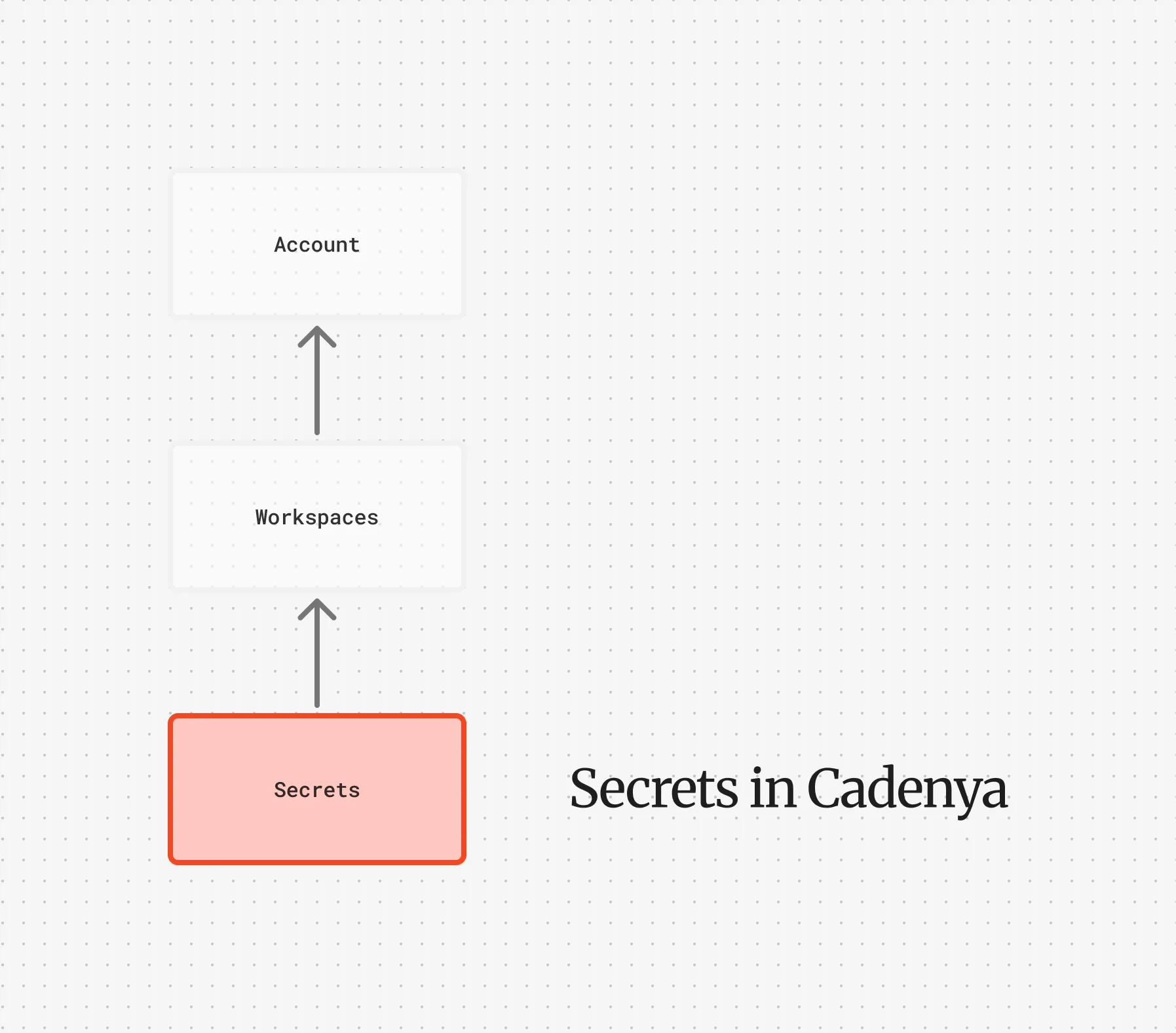
Your tools need credentials. API keys, bearer tokens, service account headers. Secrets are how you store those values in Cadenya without hardcoding them into your tool set adapter configuration.
When Cadenya invokes a tool, it resolves any ${VAR_NAME} references in your adapter headers by looking up secrets. The plaintext value is used for the request but never exposed through the API.
Workspace Secrets
Section titled “Workspace Secrets”Workspace secrets are available to any tool set in the workspace. These are your go-to for credentials that multiple agents or tool sets share, like a third-party API key or a database connection token.
Workspace secrets are identified by name (uppercased automatically) and tracked with a last_used_at timestamp so you can audit which secrets are actually in use.
Interpolation
Section titled “Interpolation”Reference secrets in your tool set adapter headers using ${SECRET_NAME} syntax:
Authorization: Bearer ${STRIPE_API_KEY}X-Custom-Token: ${CUSTOMER_TOKEN}When Cadenya calls a tool, it resolves these references before making the request. If a referenced secret doesn’t exist, the request will fail with a validation error rather than sending a malformed header.
Encryption
Section titled “Encryption”Secret values are encrypted at rest using envelope encryption. A per-account data encryption key (derived from a master key) encrypts each value with a unique IV. The API never returns secret values in responses, only metadata like the name, labels, and last used timestamp.
Connecting to Tools
Section titled “Connecting to Tools”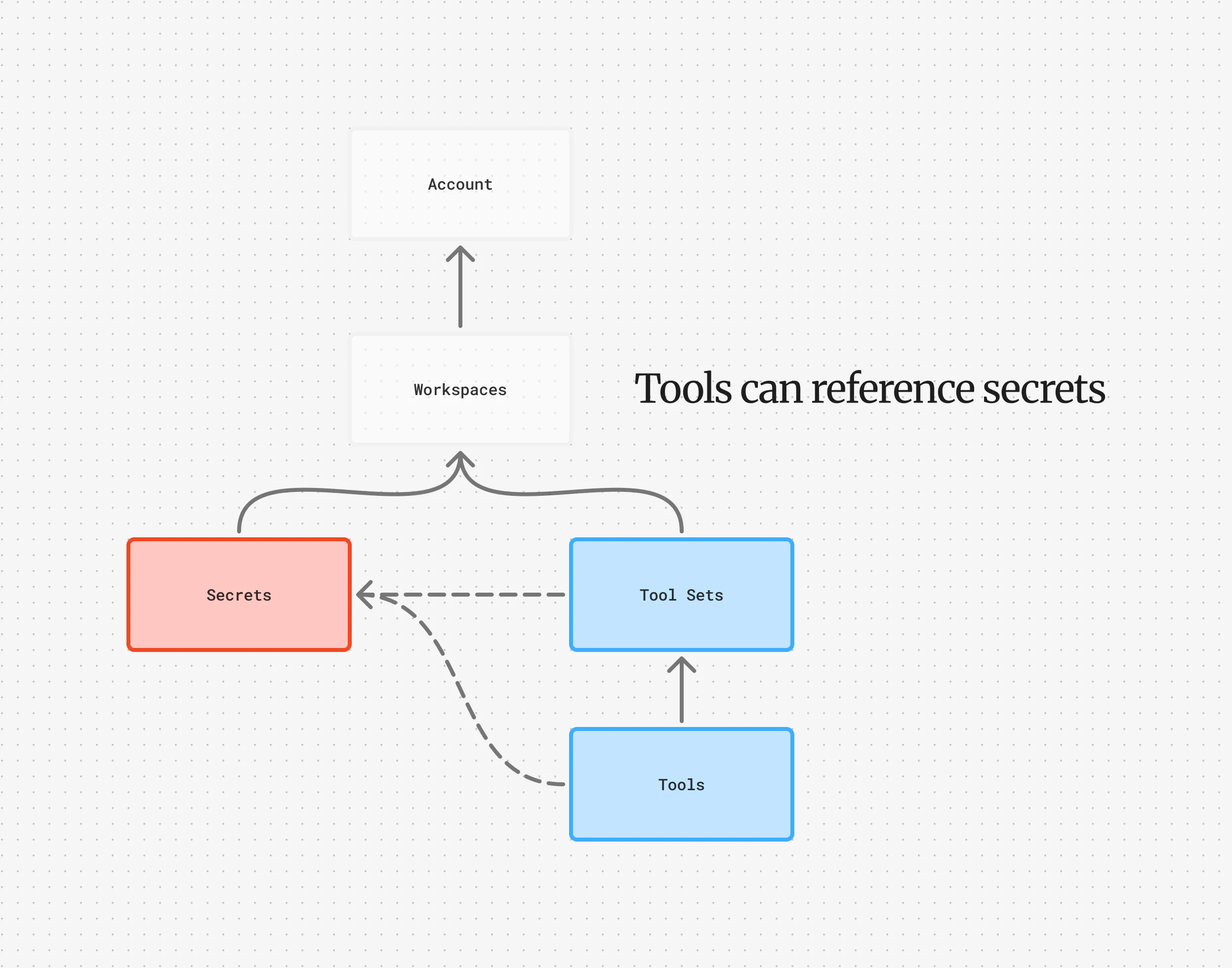
Secrets plug directly into tool set adapters. Both MCP and HTTP adapters support header interpolation, so your adapter config looks like:
adapter: mcp: url: https://your-mcp-server.example.com headers: Authorization: "Bearer ${MCP_SERVER_TOKEN}"Or for HTTP:
adapter: http: base_url: https://api.example.com headers: Authorization: "Bearer ${API_KEY}" X-Tenant: "${TENANT_ID}"The same interpolation works on individual tool headers too, not just the adapter-level ones.
Objective Secrets
Section titled “Objective Secrets”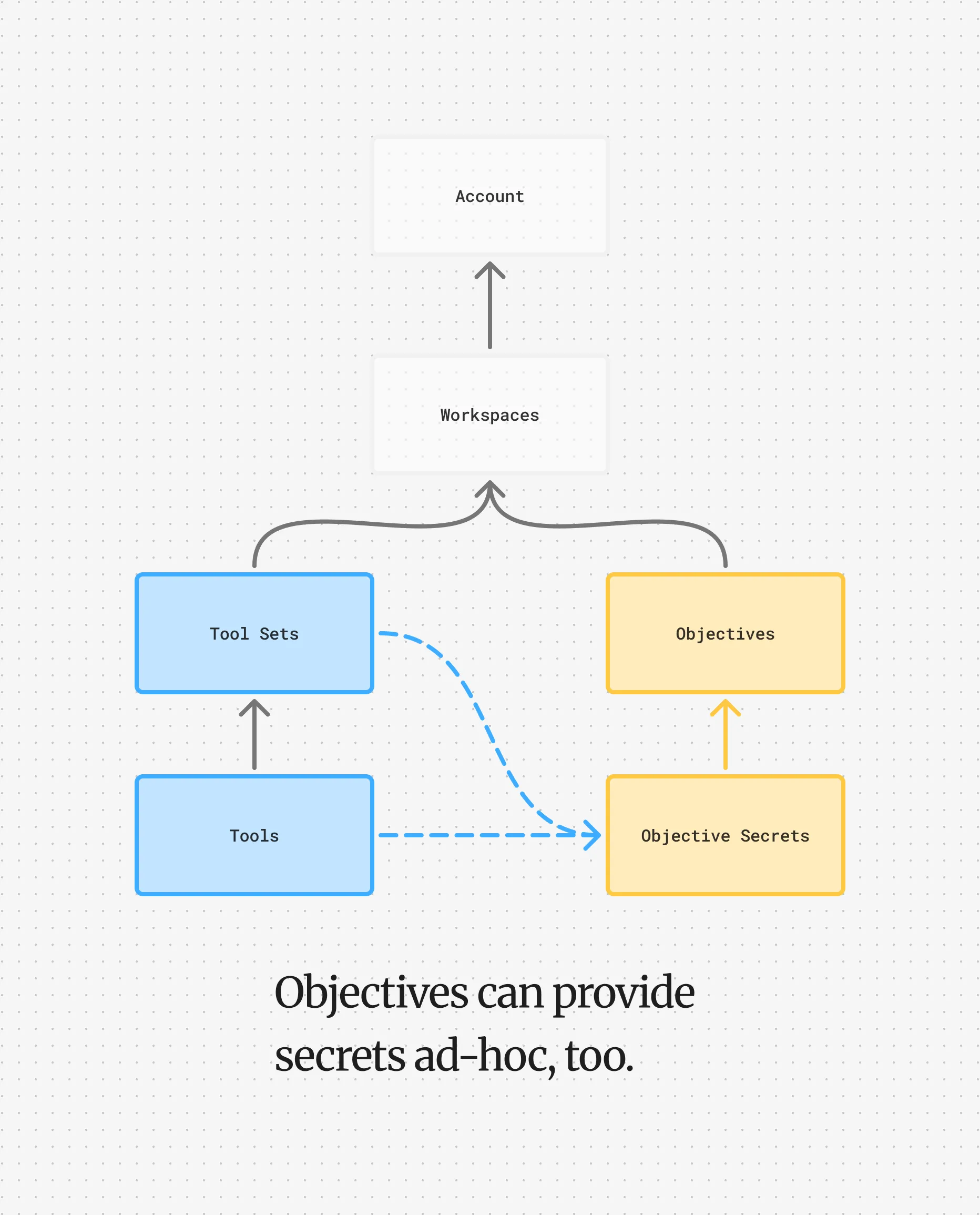
Objective secrets are scoped to a single objective and provided when creating an objective. Objectives with their own secrets will override workspace secrets if their keys match exactly. Objective secrets can also be provided independently, which is useful for short-lived tokens tied to an objective session.
For example, you might pass a JWT that authenticates as a specific user against your API. When tool operations are performed during the objective, they’re performed as the user for the JWT you provide to Cadenya. The agent gets to act on behalf of your customer without you ever exposing long-lived credentials.
All secrets provided to an objective are encrypted using the same principles as workspace secrets.
The resolution order when a tool is called:
- Objective secrets (highest priority)
- Workspace secrets
- System keys (managed by Cadenya internally)
Later sources override earlier ones for the same name.