Getting Started
Understand the core Cadenya workflow and how the pieces fit together.
Welcome to Cadenya. This page walks you through the core workflow so you understand how the pieces connect before diving into the details.
What you need
Section titled “What you need”Before you start, you’ll need:
- A Cadenya account
- A workspace
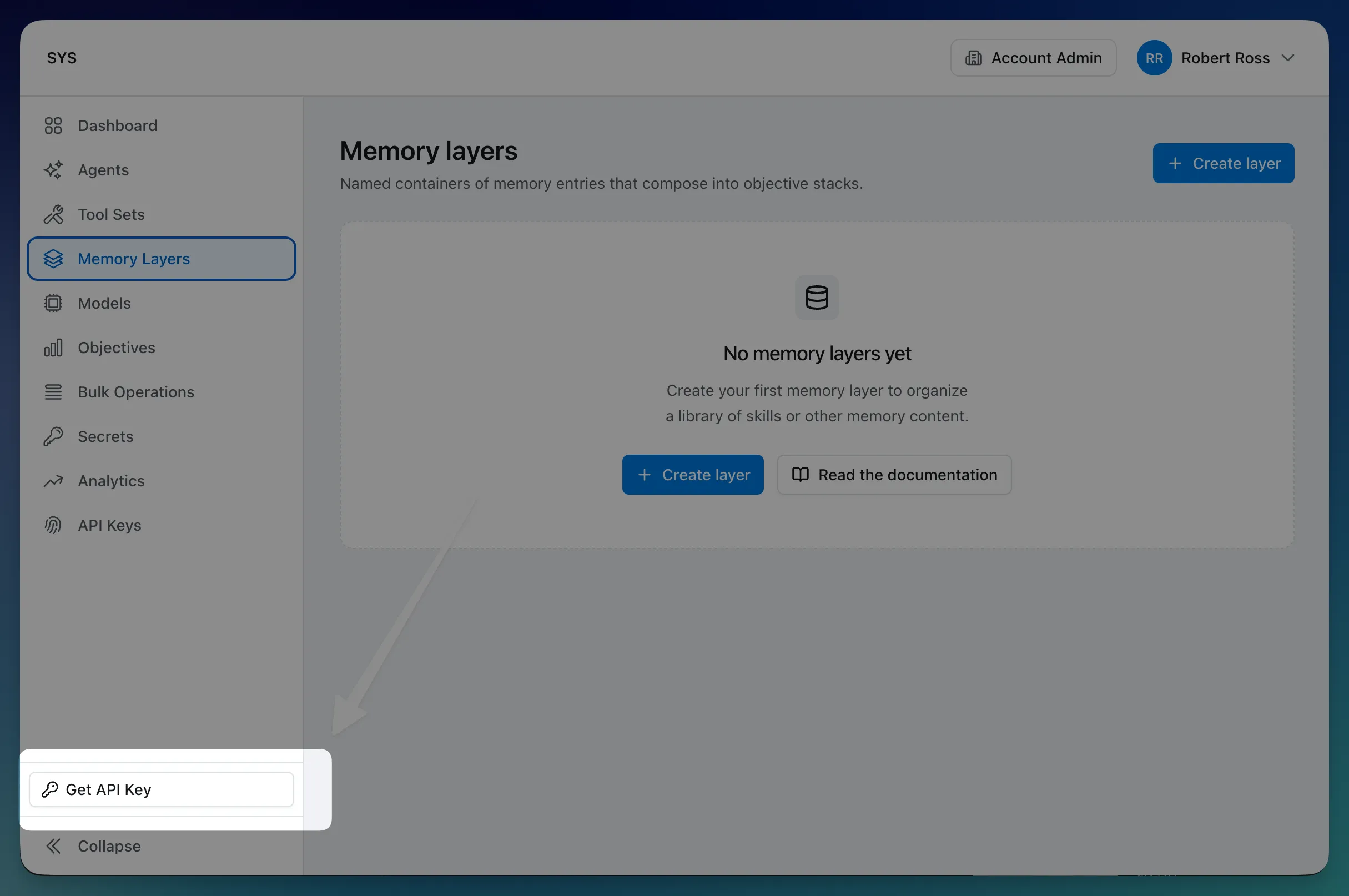
- An API key (account-scoped, one is created automatically with your account)
The workflow
Section titled “The workflow”Every Cadenya project follows the same pattern: connect tools, configure an agent, and run objectives.
1. Connect your tools
Section titled “1. Connect your tools”Tool sets connect Cadenya to the services your agent needs. Point a tool set at an MCP server or HTTP API, and Cadenya syncs the available tools automatically. You can filter which tools get synced and require approval on sensitive ones.
If your tools need credentials, store them as secrets and reference them in your adapter headers. Cadenya encrypts them at rest and interpolates them at call time.
2. Configure an agent
Section titled “2. Configure an agent”Agents are where you define behavior. An agent has one or more variations, each with its own system prompt, model, tools, and memory layers.
Variations are how you experiment. You can run multiple variations side-by-side and let Cadenya select the best performer based on feedback. Or keep it simple with a single variation and iterate on the prompt.
3. Run an objective
Section titled “3. Run an objective”An objective is a task you give to an agent. You provide an initial message (and optionally structured data, memory layers, and secrets), and the agent goes to work. It calls tools, reads memory, and iterates until the job is done.
As the agent works, Cadenya sends webhooks for every event: messages, tool calls, approval requests. You wire these up to your application to keep users informed and handle approvals.
4. Close the loop
Section titled “4. Close the loop”After an objective completes, you can provide feedback to score the result. Feedback drives variation selection over time, so agents get better at picking the right configuration for the job.
What’s next
Section titled “What’s next”Explore each concept in depth:
- Agents — Variations, selection modes, progressive discovery, and compaction
- Tools — Adapters, filtering, approval, and assignment
- Secrets — Encrypted credentials for your tool adapters
- Memory Layers — On-demand context for your agents
- Objectives — Lifecycle, events, context windows, and feedback
- API Design — How Cadenya’s API is structured
- Handling Webhooks — Real-time events from your agents