Memory Layers
Give your agents context without overloading the context window. Memory layers let agents read knowledge on demand.
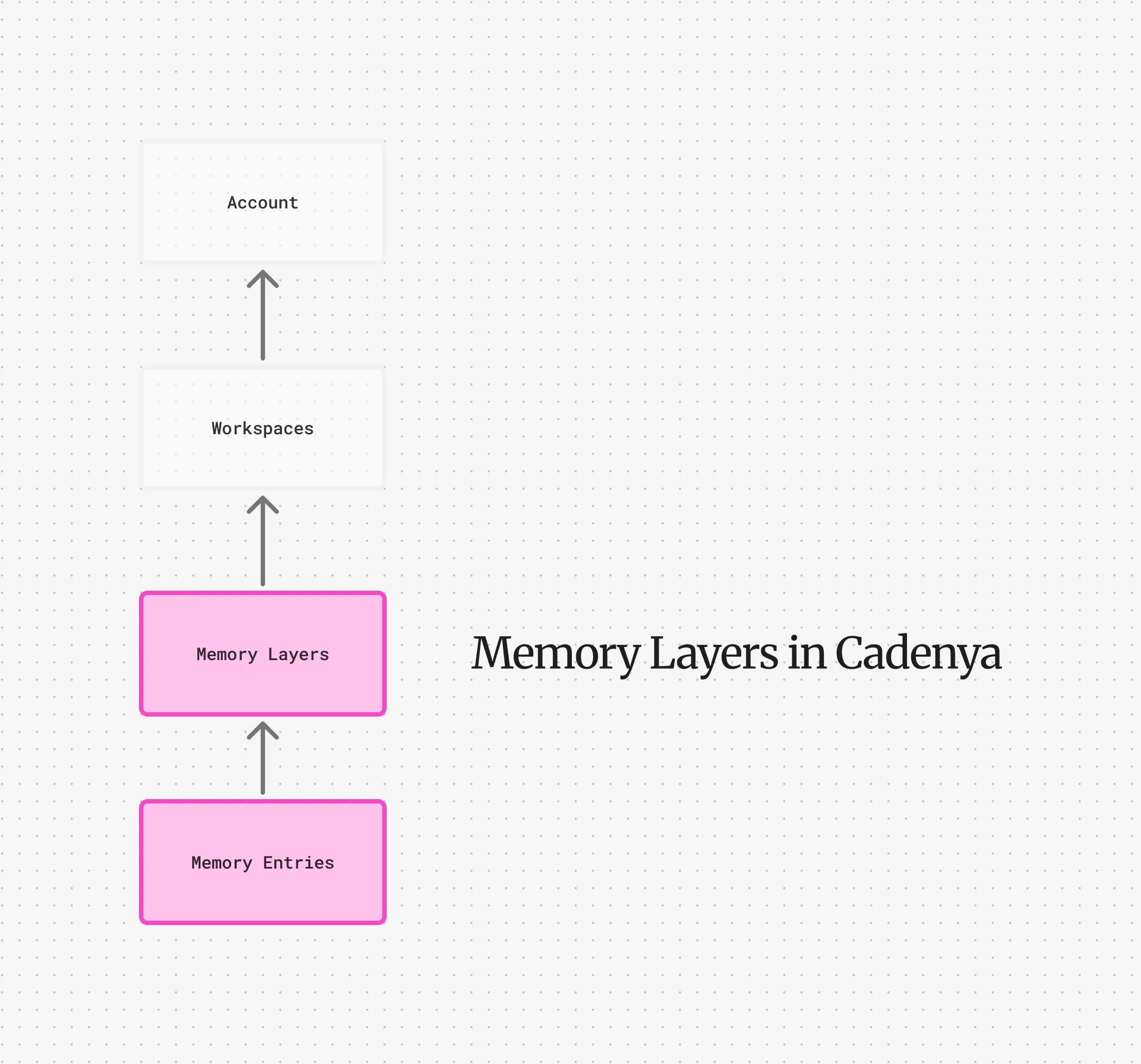
Memory Layers give your agent context without overloading the context window. When your agent has a memory layer assigned to it, a special read_memory tool is added to its tool set. The agent decides when to call it based on what it needs to know.
Entries
Section titled “Entries”Memory Layers consist of Entries. Entries are where the content of your memory lives. This might be your agent’s prose, how to reset a database, or how to reply to particular questions. A memory layer can contain an unlimited amount of entries, but too many entries means your agent may overload memory quickly.
A memory entry also has a key property that is used to read the entry into context by the read_memory tool. You can think of this key as the “file path” or S3/GCS object key.
Layering and Priority
Section titled “Layering and Priority”When a memory layer is associated to an agent variation, they are prioritized by their position, with a zero start position. For example, you may have a “base” memory layer that contains basic prose, and simple standard operating procedures that you assign to all of your agents.
For example:
# base-customer- prose.md- customer-support-procedures.mdBut you might also have a second memory layer that also has:
# high-touch-customer- prose.md- very-upset-customer-procedures.mdIf your agent variation loads both high-touch-customer (Position #0) and base-customer (Position #1), they will receive three entries of memory. Yes, three, not five.
That’s because memory layers act as masks. The layer closest to position zero wins when a key is present in both. So our agent variation with both of these memory layers has these entries available to it:
prose.md- Fromhigh-touch-customer, which will change the tone of the agent to be more sensitive.customer-support-procedures.md- From the base customer layer.very-upset-customer-procedures.md- Only loaded for the high-touch-customer layer.
Memory Layers on Objectives
Section titled “Memory Layers on Objectives”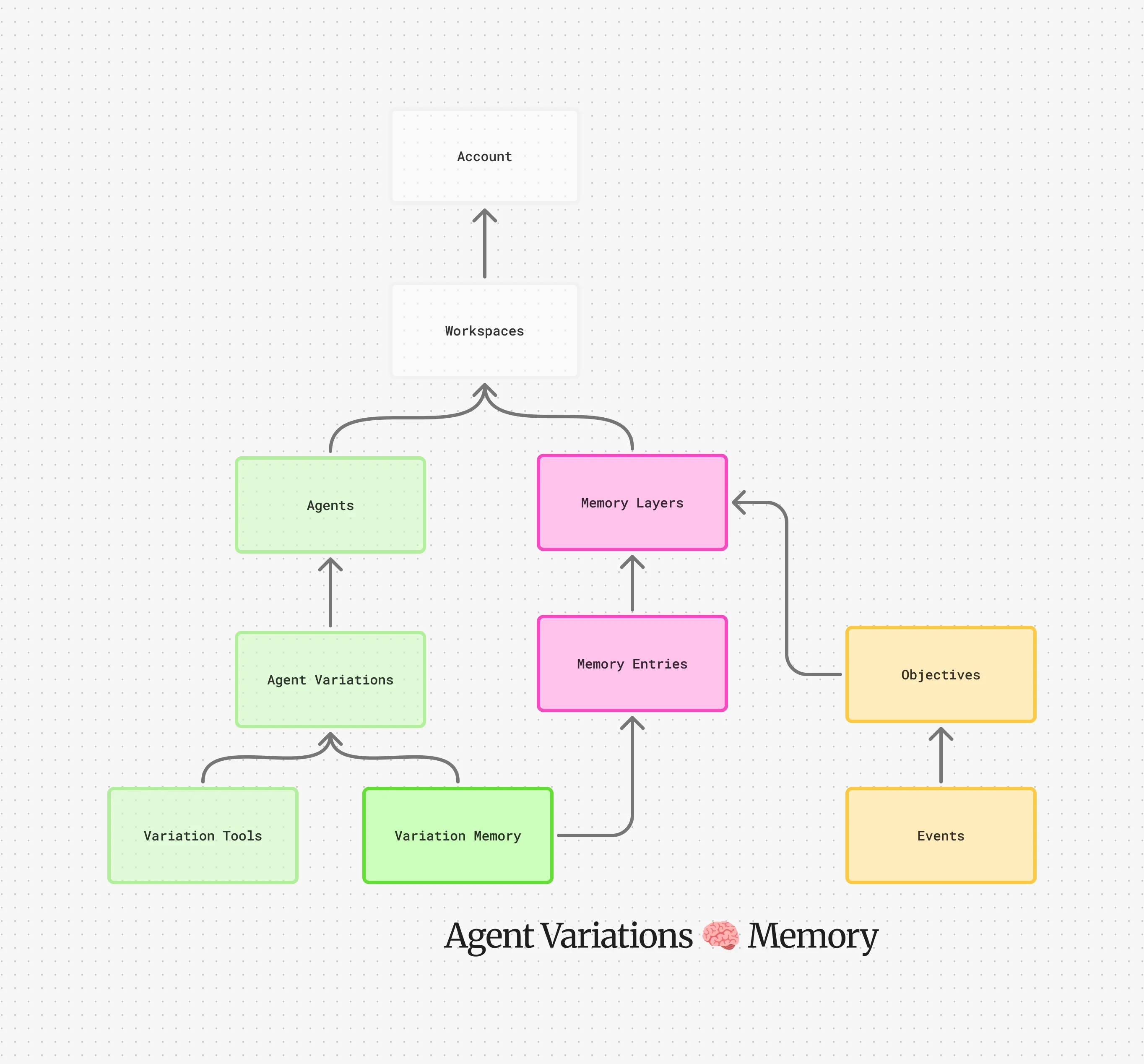
Memory layers aren’t only configured on agent variations. You can also push additional layers onto the stack when creating an objective. These objective-level layers sit on top of the variation’s baseline stack, so they take priority when keys collide.
This is done through the memory_stack field on objective creation. Array order matters: the first element sits lower in the objective’s contribution to the stack, and the last element ends up on top. If you want a layer to win over everything else, put it last.
You can also pin a single entry from a layer by specifying a memory_entry_id. This is useful when you only need one specific piece of context from a larger layer without pulling in everything.
Other Use Cases
Section titled “Other Use Cases”Memory layers can be useful if you are programmatically persisting memory for a customer or tenant of yours and leveraging Cadenya’s labeling and external ID design. You always want your agents to have certain prose, tool explanations, etc, but a customer may want to override that key. So you create a customer memory layer with the same key, and because objectives can have memory layers appended on create, the agent will receive a customer-specific memory layer.